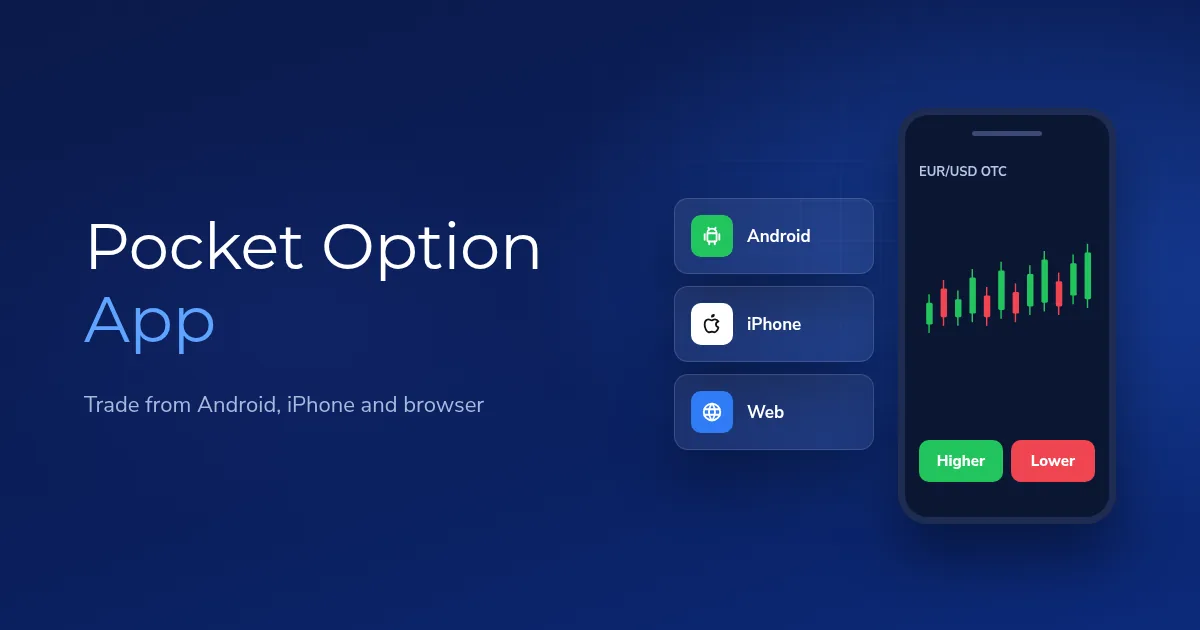
Which devices you can trade on
All versions work with one account: you can open a trade on your laptop and close it or check the result on your phone. Balance, trade history and settings sync automatically.
How to install the app on Android
- Tap the “Download for Android” button on this page.
- Confirm the installation and wait for it to finish.
- Open the app and log in with your email and password, or sign up.
- Check that the right account is active — demo or real.
Web version for iPhone and computer
The web terminal opens in any modern browser and requires no installation. On iPhone, open the site in Safari, tap “Share” → “Add to Home Screen” — and Pocket Option will appear among your apps.
What is available in the app
- More than 100 assets: currencies, cryptocurrencies, stocks, commodities and indices
- Indicators, drawing tools and trading signals
- Classic and Express trades, copy trading
- $50,000 demo account and switching to a real one
- Deposits and withdrawals
- Trade history and trading statistics
Account security on your phone
- Install the app only from the official link
- Set a screen lock on your smartphone
- Never share your login and password with “helpers” from Telegram
- Update the app regularly
Frequently asked questions
Is the Pocket Option app free?
Yes, the Android app and the web version are free. You only pay when you fund your trading account yourself.
Is there an app for iPhone?
On iPhone it is most convenient to trade in the web version via Safari. Add the page to your Home Screen — it will open like a regular app.
Can I use one account on several devices?
Yes. The login and password are the same for the app, the web version and the computer, and your balance and trade history are synced.
What if the app won’t install?
Check that you have enough storage and that your system is up to date. If the problem persists, use the web version for now.
Updated: November 24, 2026Author: PocketOption Editorial Team